
WordPress • SEO migration
How to migrate from Wix or Squarespace to WordPress without losing SEO
A step-by-step migration process that protects valuable URLs, content, analytics and search signals from discovery through post-launch monitoring.
WebUkraine editorial team · practical guidance for business website owners
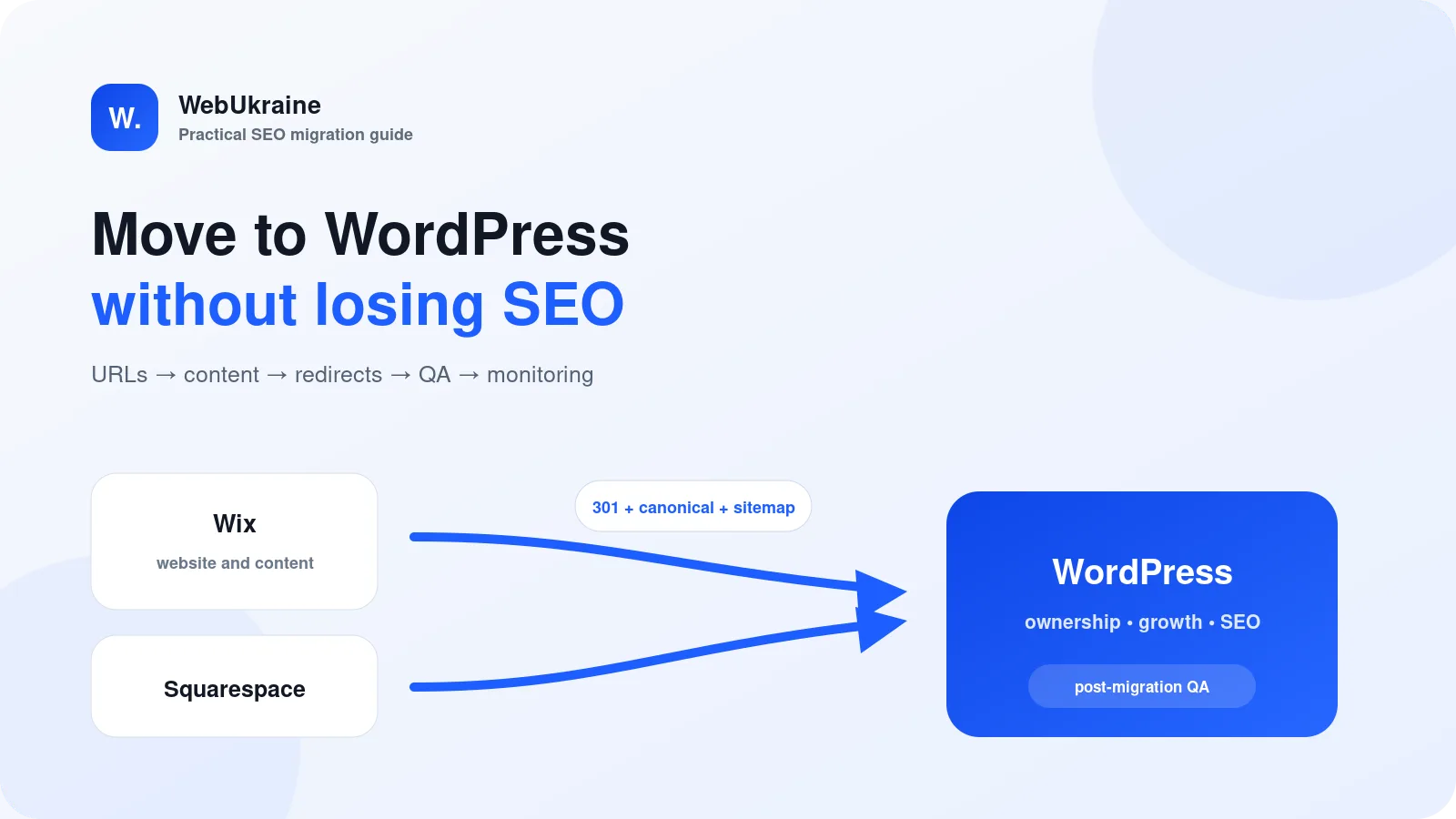
Moving from Wix or Squarespace to WordPress is rarely about declaring one platform “bad.” A company may need deeper content architecture, stronger ownership, more integrations, multilingual publishing, reusable landing pages or WooCommerce. The migration succeeds when it preserves the business value already attached to the website—not when it merely recreates the visual design.
Search engines understand a site as a connected set of URLs with history, internal links and external references. If those URLs disappear, redirect to unrelated destinations or conflict with canonicals and sitemaps, installing WordPress does not solve the problem. SEO protection begins before the new build.
When a move to WordPress makes business sense
A migration may be justified when the current builder limits content modeling, custom integrations, publishing workflows, technical SEO control or the company’s ability to choose hosting and development partners. WordPress can support service sites, editorial programs, directories and commerce, but that flexibility brings responsibility for hosting, updates, security and governance.
If a small site is stable and meets its goals, changing the CMS only because WordPress is widely used may not be a sound investment. Start with a two- or three-year requirements view: what content will be added, who edits it, what must connect to the CRM, which conversions matter and who owns maintenance.
The migration rule: give every legacy URL a decision
Build a complete URL inventory before design work. Combine the existing sitemap with a crawl, Google Search Console landing pages, analytics, exports and known backlinks. Every URL should be assigned one outcome: keep it, move it to a true equivalent, merge it into a stronger page or retire it correctly.
Keeping a useful URL is usually the cleanest option. When a URL must change, use one server-side 301 or 308 redirect to the closest relevant destination. Redirecting every removed page to the homepage is not a substitute for mapping. Content with no replacement can return a real 404 or 410 instead of creating a misleading soft error.
Create a pre-migration baseline
- URLs and indexation. Record status codes, canonicals, robots directives, hreflang and sitemap inclusion.
- Organic performance. Export clicks, impressions, queries and high-value landing pages from Search Console for a representative period.
- Content and media. Capture headings, body copy, files, image alt text, authorship, dates and internal links.
- Conversion paths. Document forms, confirmation states, email delivery, calls, chat, payments, CRM handoffs and analytics events.
- Infrastructure. Confirm owner access to the domain registrar, DNS, hosting, email, Google Tag Manager, GA4 and Search Console.
For a US service business, also record location and contact information wherever it appears. A migration is a common time for inconsistent phone numbers, service areas or business names to reappear in templates and structured data.
Design the WordPress information architecture
A migration is an opportunity to consolidate thin duplicates and organize content, but every change should follow user intent. Services, locations, case studies, resources and articles require different templates and relationships. Repeated business data is better represented with controlled fields or content types than pasted into dozens of independent blocks.
Use extensions only for defined requirements. A controlled theme and plugin stack makes updates, performance and incident response easier. Our WordPress development service treats editorial roles, recovery, security and maintenance as part of the architecture rather than launch-day extras.
Migrate content, media and functionality
WordPress provides official import tools for WordPress and several other publishing systems, but no generic import should be assumed to reproduce a builder perfectly. Review heading levels, lists, tables, links, captions, filenames and alt text after transfer. Convert suitable images to WebP or AVIF, define intrinsic dimensions and avoid lazy-loading the primary LCP image.
Forms deserve their own acceptance test. Validate required fields, error states, consent copy, spam protection, email delivery, CRM records and analytics events. A form that looks correct but fails silently is a business outage, not a cosmetic defect.
Rebuild SEO signals before launch
Every indexable page needs one clear H1, a specific title and description, a self-referencing canonical and the correct language. Review Open Graph data and structured data such as Breadcrumb, Article or Service only where it matches visible content. Search results, account screens and technical parameter URLs should not enter the index accidentally.
The XML sitemap should contain canonical, indexable 200-status URLs only. Robots.txt must not block assets or sections that search engines need to render. Update internal links to final HTTPS destinations so users and crawlers do not travel through unnecessary redirect hops.
A controlled launch sequence
- Keep the migration environment non-indexable and access-controlled.
- Complete the content transfer and a final synchronization of recent changes.
- Test the redirect map on key URLs and automatically against the full inventory.
- Verify HTTPS, canonicals, hreflang, robots and sitemaps against the production domain.
- Test navigation, mobile layouts, forms, checkout, email, analytics and integrations.
- Switch the domain, clear caches and repeat the checks on the public website.
A simultaneous CMS change, domain move, redesign and complete content rewrite creates a large diagnostic surface. When business constraints allow, separate the domain move from the platform migration. If they must happen together, maintain a change log and stricter validation gates.
Post-launch SEO monitoring
During the first hours, watch priority pages, server logs, forms, analytics, 404s and redirect chains. Then monitor Search Console indexation, sitemap processing, selected canonicals and the performance of important landing pages. Google notes that ranking fluctuations can occur during a significant site move while systems recrawl and reprocess the new structure.
Do not remove 301 redirects as soon as new URLs appear in search. Google’s migration guidance provides a general recommendation to retain redirects for at least one year. Legacy URLs with backlinks or recurring referrals may deserve a longer life.
Common Wix and Squarespace migration mistakes
- building the URL map from the sitemap alone and missing pages with traffic or links;
- redirecting unrelated legacy URLs to the homepage;
- creating redirect chains or loops;
- leaving staging-domain or HTTP canonicals in production;
- dropping metadata, image alt text, internal links or hreflang;
- duplicating analytics tags or losing form-submission events;
- forgetting to remove a temporary noindex rule;
- testing the website at one viewport and ignoring keyboard or form accessibility.
What determines migration scope and cost
Page count alone is a weak estimate. The meaningful variables are unique templates, total URLs, languages, media volume, product data, forms, accounts, integrations, domain changes, access constraints, accessibility needs and post-launch support. A responsible quote follows an inventory and risk review; it does not invent a price before the system is understood.
WebUkraine can combine website redesign, technical SEO and migration QA for US and international businesses. Related reading includes our comparison of WordPress, Wix and Squarespace, the US website platform overview and the website pre-launch checklist.
Sources and conclusion
This workflow follows Google’s official guidance for a site move with URL changes and the WordPress documentation on importing content. Import tools move data; SEO continuity depends on URL mapping, accurate redirects, consistent signals and post-launch evidence.
A well-managed migration cannot promise that every ranking will remain fixed each day. It can make the change understandable to users and search systems, reduce avoidable loss and give the business a WordPress foundation it can own and extend.
FAQ
Frequently asked questions about moving to WordPress
Can a Wix or Squarespace site be moved to WordPress automatically?
Some content may be exportable or transferable with tools, but page structure, design, forms, integrations, metadata and redirects still require human review. A safe migration is a controlled project, not a one-click import.
Should every old URL stay exactly the same?
Keep a useful URL when it still fits the new information architecture. If it must change, map it to the closest equivalent destination with one server-side permanent redirect. Do not send unrelated URLs to the homepage.
Will organic rankings drop after the migration?
Temporary movement is possible while search engines recrawl URLs and process redirects. A complete URL map, accurate 301s, self-referencing canonicals, a current sitemap and Search Console monitoring reduce avoidable risk.
How long should migration redirects remain active?
Google generally recommends keeping redirects for at least one year. Valuable legacy URLs are often worth retaining longer when they still receive links, visits or referrals.
Can we change the CMS, redesign and move domains at once?
It is possible, but combining major changes increases risk and makes problems harder to isolate. When business constraints allow, separate the domain move from the CMS migration or redesign.
What determines the cost of a WordPress migration?
The main drivers are the number of unique templates and URLs, content and media volume, forms, languages, integrations, design requirements, access limitations, analytics and post-launch support. A reliable estimate starts with an inventory.
Migration plan
Need to move to WordPress without losing control?
We can inventory the site, map URLs, migrate content and validate SEO and conversion paths after launch.